> ## Documentation Index
> Fetch the complete documentation index at: https://docs.codebeaver.ai/llms.txt
> Use this file to discover all available pages before exploring further.
# Introduction
> Welcome to CodeBeaver - Your software testing autopilot

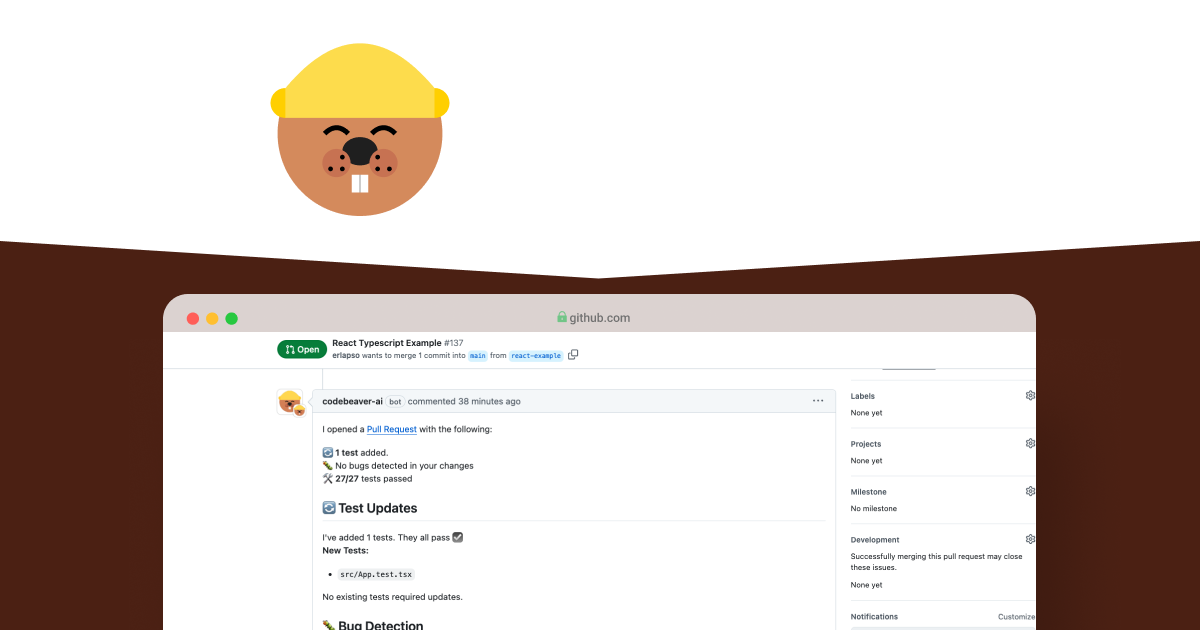 CodeBeaver is a testing automation tool that leverages AI to simplify the testing process. It helps developers:
* 🤖 **Run end-to-end tests** using natural language descriptions
* 🧪 **Generate and maintain unit tests** automatically for your codebase
* 🐛 **Detect potential bugs** and provide detailed fix explanations
* ⚡ **Reduce testing overhead** while improving code quality
Currently supporting Python and TypeScript, with more languages coming soon.
Engineering teams reported that CodeBeaver saves them from 30 to 45 minutes a day per engineer.
## To get started, pick one:
Get started with the open-source python module
Skip the setup: Install CodeBeaver cloud on your GitHub/GitLab/Bitbucket
CodeBeaver is a testing automation tool that leverages AI to simplify the testing process. It helps developers:
* 🤖 **Run end-to-end tests** using natural language descriptions
* 🧪 **Generate and maintain unit tests** automatically for your codebase
* 🐛 **Detect potential bugs** and provide detailed fix explanations
* ⚡ **Reduce testing overhead** while improving code quality
Currently supporting Python and TypeScript, with more languages coming soon.
Engineering teams reported that CodeBeaver saves them from 30 to 45 minutes a day per engineer.
## To get started, pick one:
Get started with the open-source python module
Skip the setup: Install CodeBeaver cloud on your GitHub/GitLab/Bitbucket